



How the ATS check works
Applicant tracking systems do two things with your file: they extract text and they match terms against the posting. Our check tests both, locally and deterministically — the same document always gets the same findings, and every finding shows what triggered it.
1. Parseability
- Real text, not images: every template exports selectable, extractable text; photos are optional and never carry information.
- Standard section headings (Experience, Education, Skills…) in the document language, so section detection works.
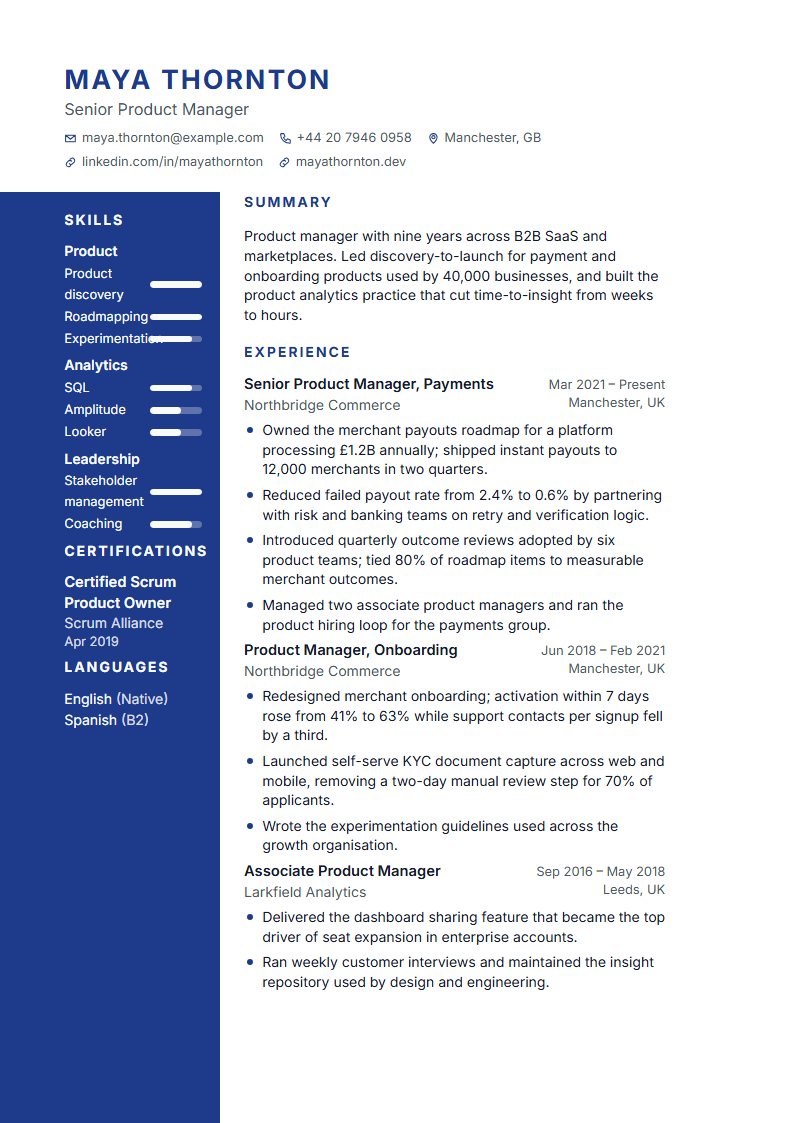
- A reading order that survives extraction: the ten ATS templates are single-column; two-column designs keep the main column first.
- Dates in one consistent format and a complete header (name, email, phone, city).
2. Content quality
- Bullets that start with a verb and carry an outcome; we flag filler words and bullets without a result.
- Summary length, duplicated skills, missing dates, unexplained gaps in the last ten years.
- Placeholders such as [amount] or [team size] left in the text are listed so nothing unfinished gets sent.
3. Match (only with a job posting)
Attach the posting (paste or URL). We extract its required skills, tools and seniority terms and show which ones appear in your resume and which are missing — each with the sentence in the posting it came from. Without a posting there is no match percentage: a number without a reference would be noise.
What we do not do
- We do not claim a universal "ATS score" — every company's system is different.
- We do not promise interviews or hiring outcomes.
- We never add terms you cannot back up. Suggestions in the Improve tab rewrite your own facts and leave placeholders where a number is missing.
Open the check from the editor's Improve tab. It runs on your current document in a second and updates as you edit.